Artificial intelligence (AI) is transforming the way streamers create content, engage with audiences, and optimize their workflow. Streaming is no longer just about playing games or talking to a camera; it’s about creating an immersive and engaging experience for your viewers. AI tools can help automate repetitive tasks, improve content quality, and even increase discoverability, allowing streamers to focus more on entertainment and interaction rather than technical challenges.
Whether you’re a beginner or a seasoned content creator, integrating AI-powered tools into your streaming setup can enhance efficiency and boost viewer engagement. From AI-driven chat moderation to automated video editing, artificial intelligence is becoming a game-changer in the world of streaming. By the end of this guide, you’ll understand how to leverage AI to improve your streaming experience, keep your audience engaged, and optimize your content for growth.
For more insights, check out Twitch’s Creator Camp for in-depth tips on improving your stream setup and engagement.
1. AI-Powered Chat Moderation and Engagement
1.1 Using AI for Automatic Chat Moderation
Managing chat effectively is one of the most challenging aspects of live streaming. A growing audience means an increasing number of messages that need to be monitored for spam, harassment, or inappropriate language. AI-powered chat moderation tools provide an efficient way to filter messages and maintain a positive community atmosphere.
- Nightbot, StreamElements, and AutoMod (Twitch) use AI-driven algorithms to detect offensive language, excessive spam, and harmful content in real time. These bots automatically remove flagged messages before they disrupt the flow of chat.
- AI chatbots can be trained with custom moderation filters that allow streamers to define specific words or phrases to block. This level of control helps keep chat interactions aligned with your channel’s culture and values.
- Advanced moderation tools like ModerateChat use machine learning to analyze chat behavior and predict potentially disruptive users before they cause problems. This proactive approach helps maintain a safe and welcoming environment for your audience.
Setting up AI moderation is essential for streamers who want to keep their communities safe and engaging without needing to constantly monitor chat themselves. You can learn how to implement moderation tools effectively by visiting Twitch’s Moderation Guide.
1.2 AI Chatbots for Viewer Engagement
Engagement is key to building a loyal audience, and AI chatbots can help enhance viewer interaction by responding to messages and running automated community-building activities.
- Streamlabs Chatbot and Wizebot allow streamers to program responses to frequently asked questions, manage song requests, and execute chat commands that encourage audience participation.
- AI-driven chatbots can trigger polls, quizzes, and mini-games to keep the audience entertained during downtime or slower moments in a stream.
- Some AI chatbots are also equipped with real-time translation capabilities, allowing streamers to communicate with international audiences by automatically translating chat messages.
With AI handling basic chat functions and engagement features, streamers can focus more on gameplay or conversation while ensuring their community remains active and involved. If you’re looking to set up an interactive chatbot, check out the Streamlabs Chatbot Guide.
2. AI-Powered Content Creation and Editing
2.1 AI-Based Video Editing and Clipping
Creating engaging content beyond live streams is a crucial part of growing an audience. However, manually editing hours of footage can be time-consuming. AI-powered video editing tools can help automate this process, making it easier to produce high-quality content for platforms like YouTube, TikTok, and Instagram.
- Eklipse.gg, Crossclip, and Wisecut use AI to detect exciting moments in your streams, such as high-energy gameplay, intense reactions, or key dialogue moments. These tools automatically clip and edit highlights, saving streamers hours of manual work.
- AI video editors analyze factors such as facial expressions, voice inflections, and sudden movement changes to determine the most engaging clips.
- Some tools even allow streamers to automatically format clips for different platforms, ensuring that highlights are optimized for vertical videos on TikTok and YouTube Shorts or widescreen formats for YouTube.
By leveraging AI for video editing, streamers can quickly repurpose live content into shorter, shareable clips, maximizing their reach across social media. For more information on AI-assisted video editing, check out Eklipse.gg and Crossclip.
2.2 AI-Generated Thumbnails and Graphics
A well-designed thumbnail can significantly impact how many people click on your content. AI-powered design tools take the guesswork out of creating professional-looking thumbnails, banners, and overlays.
- Canva’s AI Design, Fotor, and Adobe Sensei use machine learning to suggest the best colors, fonts, and layouts for thumbnails and graphics.
- AI can automatically remove image backgrounds, upscale low-resolution images, and even apply effects to make thumbnails stand out.
- Some AI-based platforms analyze trending design patterns and create thumbnails that match successful video formats, increasing the chances of better engagement.
By using AI for thumbnails and branding assets, streamers can create eye-catching visuals that attract more viewers without needing advanced graphic design skills. You can start designing with AI at Canva’s Thumbnail Maker.

3. AI for Stream Analytics and Growth
3.1 AI-Driven Audience Insights
Understanding audience behavior is essential for optimizing your content strategy. AI-powered analytics tools provide deep insights into viewer trends, peak engagement times, and content performance.
- Twitch Insights, YouTube Analytics, and SullyGnome use AI to track important metrics such as viewer retention, chat activity, and the most popular content categories.
- AI-driven reports can help identify the best streaming schedules based on audience availability, allowing streamers to go live when their community is most active.
- Some AI analytics tools even provide predictive insights, suggesting what types of content may perform well based on current trends and historical data.
For those looking to optimize their streaming times and engagement levels, SullyGnome offers in-depth Twitch analytics to help streamers make informed decisions.
3.2 AI-Powered SEO and Discoverability
Getting discovered on streaming platforms can be challenging, but AI tools can help improve search rankings and visibility.
- TubeBuddy and VidIQ provide AI-generated keyword suggestions, allowing streamers to optimize video titles, descriptions, and hashtags.
- AI-powered SEO tools analyze competitors’ content and suggest trending topics, making it easier to align your streams with what viewers are actively searching for.
- Some AI tools can generate AI-written video descriptions and metadata, ensuring that your content appears in relevant search results.
For a deep dive into SEO optimization, check out VidIQ’s Growth Academy.
4. AI Voice and Audio Enhancements
4.1 AI Noise Cancellation and Audio Processing
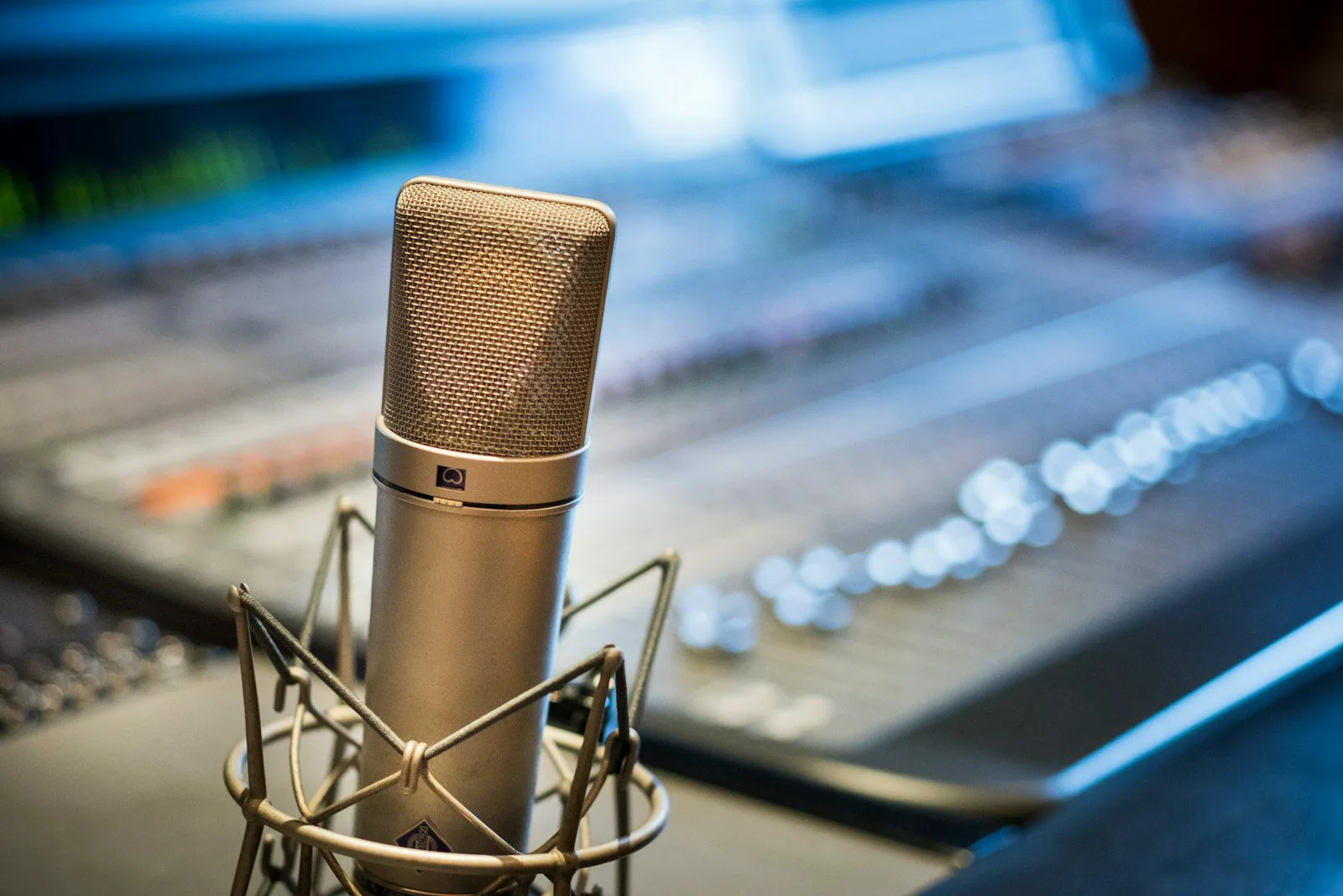
Clear and professional-quality audio is one of the most important factors in retaining viewers. Poor audio, background noise, or inconsistent microphone levels can cause viewers to leave a stream quickly. Fortunately, AI-powered tools can help enhance audio clarity without requiring expensive studio equipment.
- NVIDIA RTX Voice, Krisp, and Adobe Podcast Enhance use AI-driven algorithms to filter out unwanted background noise, such as keyboard clicks, fan noise, or room echo. These tools help streamers sound more professional without needing advanced audio setups.
- AI-based equalization and compression tools automatically balance volume levels to prevent distortion and ensure consistent voice quality.
- Some AI tools, such as Auphonic, use adaptive leveling to automatically adjust different audio elements in real-time, making speech clearer and reducing the need for manual post-processing.
For streamers who want to ensure their voice remains clear and free of distractions, using AI-powered noise reduction software can significantly improve audio quality and viewer retention. You can try Krisp’s AI Noise Suppression at krisp.ai.
4.2 AI Voice Generators for Unique Content
AI-powered voice technology isn’t just for cleaning up audio—it can also be used to create unique content and improve viewer engagement.
- Voicemod and ElevenLabs allow streamers to modify their voice in real-time, offering voice-changing effects that can be used for entertainment, role-playing, or themed content.
- AI-generated voiceovers can narrate highlights, intros, or outros, creating a polished, professional feel to pre-recorded content.
- Some streamers use AI voice cloning technology to create synthetic versions of their voice for automated alerts or personalized interactions with their audience.
AI-driven voice technology opens up creative possibilities for content creators looking to add variety to their streams. For AI-powered voice effects, check out Voicemod’s Soundboard at voicemod.net.
5. AI-Assisted Personalization and Automation
5.1 AI Stream Overlays and Layouts
A visually appealing and well-organized stream layout helps maintain viewer interest and reinforces branding. AI-powered tools now offer dynamic overlay customization that adjusts automatically based on stream activity.
- OWN3D Pro and StreamElements Overlay Editor use AI to create real-time, adaptive overlays that adjust based on in-game moments, audience engagement, or streaming conditions.
- AI-enhanced layouts can react to audience activity, displaying new graphics or alerts when certain engagement milestones are reached (e.g., when a subscriber goal is met).
- Some AI tools analyze game footage and adjust the positioning of overlays to avoid covering essential game elements, ensuring an optimal viewing experience.
If you’re looking for AI-generated overlays that integrate seamlessly with Twitch or YouTube, check out OWN3D Pro at own3d.tv.
5.2 AI Automation for Stream Workflow
Managing a streaming channel can be time-consuming, especially when juggling content creation, social media, and audience interaction. AI automation tools streamline these processes, allowing streamers to focus more on delivering engaging content.
- Zapier and IFTTT help automate repetitive tasks, such as posting stream alerts to social media, updating Discord statuses, and tracking engagement metrics.
- AI-powered scheduling tools can recommend the best times to go live based on audience data and send automated reminders to followers.
- AI-driven post-stream summaries provide insights on viewer engagement, chat activity, and content performance, making it easier to refine future streams.
For streamers looking to optimize their workflow with AI-powered automation, check out Zapier’s Streaming Integrations at zapier.com.

Conclusion
AI is revolutionizing the streaming industry, providing content creators with tools that enhance efficiency, improve engagement, and optimize content quality. From AI-driven chat moderation and video editing to advanced analytics and personalized overlays, these technologies offer streamers new ways to grow and sustain their audience.
By integrating AI tools for audio enhancements, workflow automation, and audience analytics, streamers can save time and focus on what matters most—creating entertaining and engaging content.
Whether you’re an aspiring creator or an established streamer, AI-powered tools can elevate your stream, making it more interactive, discoverable, and professional. Start exploring AI solutions today and take your streaming experience to the next level!
For additional AI-powered streaming resources, visit StreamElements at streamelements.com.